Short blog series (part72) “Best AI tools for students”, “ChatGPT vs X for freelancers”
- Manyanshi Joshi
- Feb 4
- 5 min read

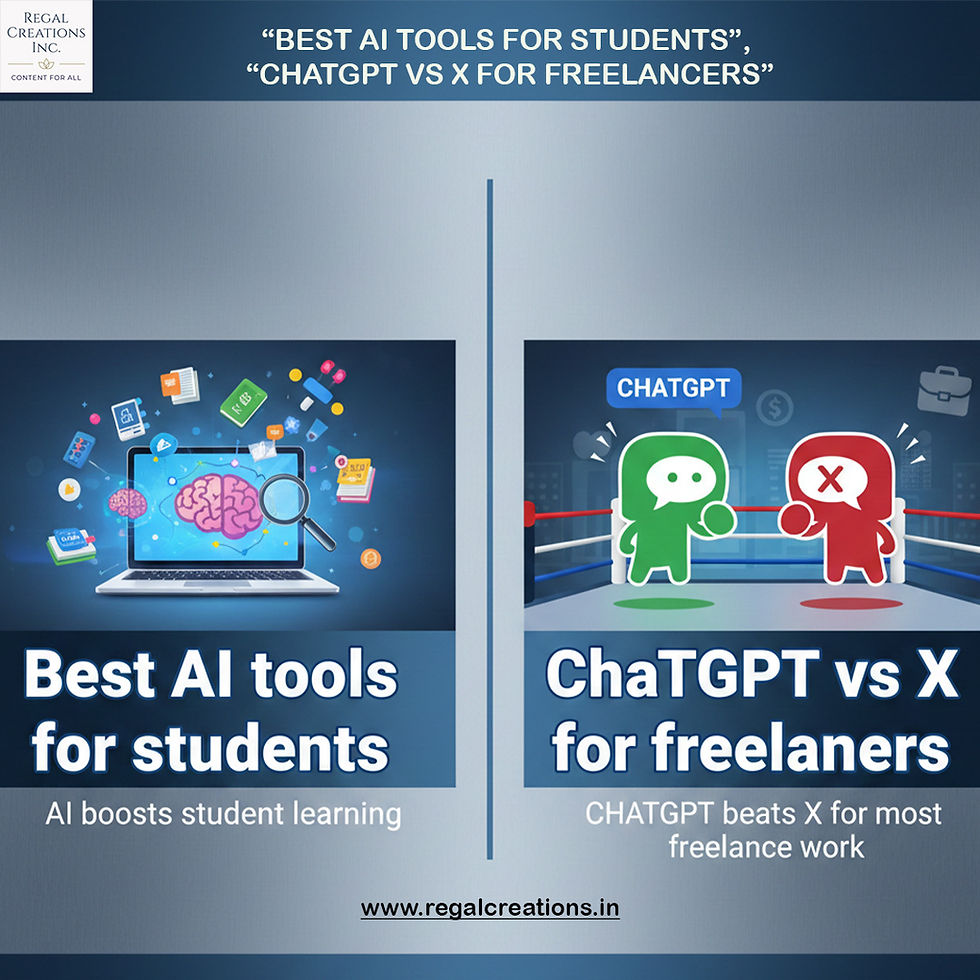
“Best AI tools for students” and a comparison “ChatGPT vs X (Grok) for freelancers” in 2026.
📘 Best AI Tools for Students (2026)
AI tools can help with studying, research, writing, organization, projects, and even test prep. These are some of the most recommended in 2026:
🧠 Learning & Research
1. ChatGPT – Versatile AI assistant for homework help, explanations, brainstorming, writing support, and concept clarification. 2. Perplexity AI – Research-focused AI with source-backed answers and citation suggestions. 3. Wolfram Alpha – Excellent for STEM subjects, solving math/science problems step-by-step. 4. Socratic by Google – Visual problem solver that explains steps when you scan questions.
✍️ Writing & Communication
5. Grammarly (GrammarlyGO) – Improves grammar, tone, clarity, and academic style. 6. QuillBot – Paraphrasing and summarising tool to avoid plagiarism. 7. Wordtune – Rewrites sentences in better, more academic phrasing.
🗂️ Notes, Projects & Productivity
8. Notion AI – Organises notes, assignments, and study plans in one place. 9. Otter.ai – Transcribes lectures into searchable notes. 10. Mindgrasp – Turns study materials into flashcards and practice Qs.
🎨 Presentations & Creative
11. Canva (AI tools) – Easy creation of visual slides, posters, and presentations.
💡 Tip: Use AI to enhance learning efficiency but avoid over-reliance—too much shortcutting can mask deep understanding.
🤖 ChatGPT vs X (Grok) — Which is Better for Freelancers?
Here’s a comparison of ChatGPT and Grok (X’s AI chatbot) from xAI — useful if you’re a freelancer deciding which to use for writing, research, content, or workflow tasks.
🧠 Core Purpose
ChatGPT (OpenAI)
General-purpose AI used widely for writing, research, coding, client deliverables, proposals, and creative tasks.
Mature ecosystem with plugins, file uploads, voice, image understanding, and support apps.
Grok (xAI via X)
AI chatbot integrated directly into X (formerly Twitter).
Known for quicker access to trending, real-time social info and a more informal, sometimes witty tone.
📊 Accessibility & Pricing
ChatGPT
Free tier available; premium tiers (like ChatGPT Plus) are widely accessible across platforms.
Works in web, mobile apps, and integrations.
Grok (X)
Tied to X account and often requires X Premium or Premium+ for full access. There’s a free version with limits on queries/uses.
🔍 Strengths for Freelancers
ChatGPT
Best for workflow versatility: Proposal drafting, blog content, editing, data analysis, and client communication.
Plugins & integrations: Connect to calendars, docs, spreadsheets, and tools.
Consistency & safety: More balanced risk management in business writing.
Grok (X)
Real-time trends: Useful if your freelance work involves social media insights, trending content, or X-based analytics.
Casual engagement: Can generate spontaneous creative ideas tied to current happenings.
📌 Considerations
Maturity: ChatGPT’s tools are more established in professional and freelancing contexts.
Integration: Grok is more niche — best if your workflow already revolves around X and social trends.
Tone & Safety: Grok’s “edgier” style may be fun but sometimes less reliable for polished business writing.
Bottom Line:🟢 ChatGPT tends to be more versatile and professionally useful for most freelancers’ tasks.🟡 Grok can complement social media-centric workflows but isn’t a full substitute for a dedicated AI assistant like ChatGPT.
Field-specific AI tools first, then a real-world freelancer workflow showing how people actually use these tools on projects (not just theory).
🎓 AI Tools by Field
🛠️ Engineering & STEM Students
Best for problem-solving, coding, simulations, and technical writing.
Core tools
ChatGPT – Explaining concepts, debugging code, writing lab reports, pseudo-code, project planning
Wolfram Alpha – Math, physics, symbolic computation, step-by-step solutions
MATLAB AI / Simulink – Modeling, simulations, control systems
GitHub Copilot – Code completion and logic suggestions
Perplexity AI – Research with citations for technical papers
How students actually use them
Understand equations before exams
Debug Python/C/Java code at 2 a.m.
Turn messy lab notes into clean reports
Generate test cases for assignments
⚠️ Tip: Use AI to explain, not just solve—many professors now check reasoning, not answers.
📚 Humanities & Social Sciences
Best for reading, writing, analysis, and research.
Core tools
ChatGPT – Essay outlines, argument development, thesis refinement
Perplexity AI – Source-based research (great for citations)
Zotero + AI plugins – Reference management
Grammarly / GrammarlyGO – Academic tone & clarity
QuillBot – Paraphrasing without losing meaning
How students actually use them
Break down dense theory (philosophy, sociology, history)
Compare thinkers or schools of thought
Summarize long readings fast
Improve essay flow without sounding “AI-ish”
⚠️ Tip: Always rewrite in your own voice—universities are strict here.
💼 Business, Management & Economics
Best for analysis, presentations, and strategy.
Core tools
ChatGPT – Case study analysis, business plans, SWOTs
Notion AI – Project planning, meeting notes, study systems
Canva AI – Pitch decks, slides, visuals
Excel + Copilot / AI add-ons – Forecasting, data cleaning
Power BI AI – Data visualization and insights
How students actually use them
Prep for case competitions
Turn raw data into insights
Practice interview answers
Build startup pitches
⚠️ Tip: AI gives structure; you provide judgment.
💻 How Freelancers Use AI in Real Projects
✍️ Writers & Content Creators
Workflow
ChatGPT – Outline blog/article
Perplexity – Fact-check + sources
ChatGPT – First draft
Grammarly – Polish tone
Canva AI – Visuals
⏱️ Result: 60–70% faster content delivery
🎨 Designers & Creatives
Workflow
ChatGPT – Creative brief & concept ideas
Midjourney / DALL·E – Visual inspiration
Canva AI / Adobe Firefly – Assets
ChatGPT – Client explanations & revisions
⏱️ Result: Faster ideation + happier clients
💻 Developers & Tech Freelancers
Workflow
ChatGPT – Architecture & logic planning
GitHub Copilot – Coding assistance
ChatGPT – Debugging & optimization
ChatGPT – Documentation & client handover
⏱️ Result: Less debugging pain, cleaner delivery
📢 Social Media & Marketing Freelancers
Workflow
Grok – Trending topics on X
ChatGPT – Content calendar + captions
Canva AI – Visual posts
ChatGPT – Analytics insights & reporting
⏱️ Result: Trend-aware, consistent content
🧠 Final Take
Students → Use AI to learn faster, not shortcut learning
Freelancers → Use AI to scale yourself without burning out
Best combo → ChatGPT + a field-specific tool
🧠 Conclusion: Best AI Tools for Students
AI tools are transforming how students learn, research, write, and organize work. The most effective tools don’t just give answers — they help students understand concepts, structure ideas, and work more efficiently.Key takeaway:
ChatGPT, Perplexity, Wolfram Alpha, Notion AI, Grammarly, Canva AI and similar tools are valuable across disciplines.
Best results come from combining tools (e.g., research + writing assistant + productivity aid).
AI should be a learning partner, not a replacement for critical thinking or personal effort.
👉 Bottom line: Use AI to enhance learning and productivity — not to shortcut the process.
🤖 Conclusion: ChatGPT vs X (Grok) for Freelancers
Both AI assistants have distinct strengths, but they serve freelancers differently.
ChatGPT✔ Most versatile for writing, research, planning, client communication✔ Strong ecosystem (plugins, integrations)✔ Reliable for professional deliverables
X (Grok)✔ Best for real-time social trends and X-centric insights✔ Great for social content brainstorming✖ Less mature for structured business writing✖ Tied to X platform
👉 Bottom line:For most freelancers, ChatGPT is the better all-around AI assistant. Grok can complement social media and trend-focused work, but it doesn’t replace the depth and flexibility of
in short
AI boosts student learning, and ChatGPT beats X for most freelance work.
Thanks for reading!!!!


Comments